Your handheld, as a console.
One crossbar for everything: games from the emulators you already have, Android apps, music, video, photos and books, all from a controller or by touch.
It starts with a ring of light.
Hold A and the game’s art shrinks into the ECHO ring and spins there as a disc. With the launch sound the ring opens like a lens and the game fills the screen.
Every button has a job.
Controller ▸ Type picks the button glyphs drawn in the footer and every hint. Every control has a touch equivalent. Pick a button to see what it does.
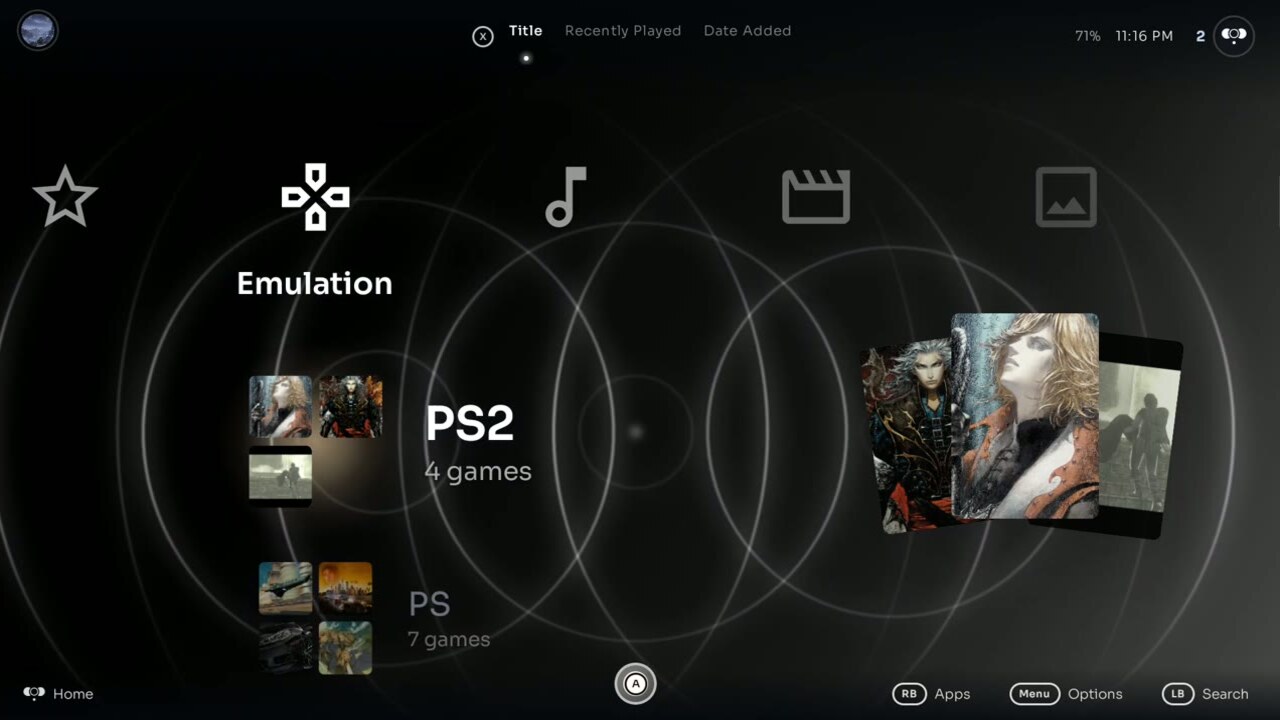
Categories across. Everything else down.
Each category is a column. Media columns list the apps that belong to them first, then their own library rows, ending with a Folders row for the folders they scan.
Every console you own, on one card each.
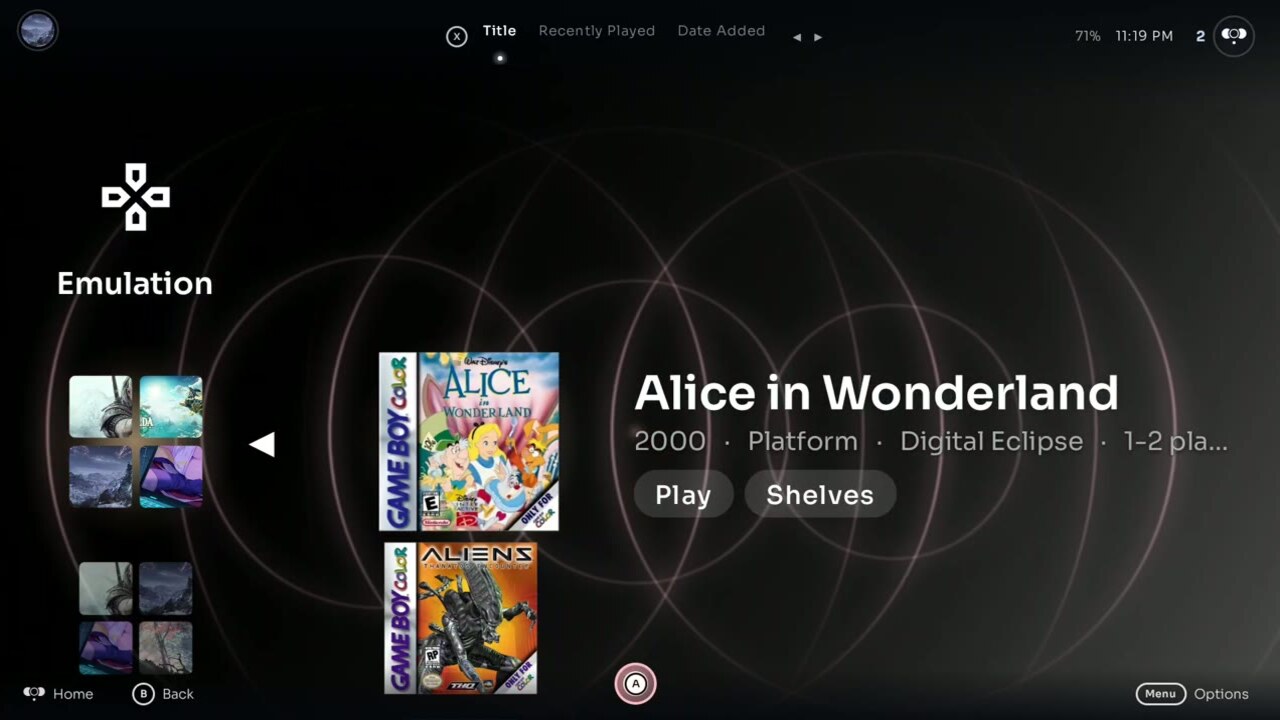
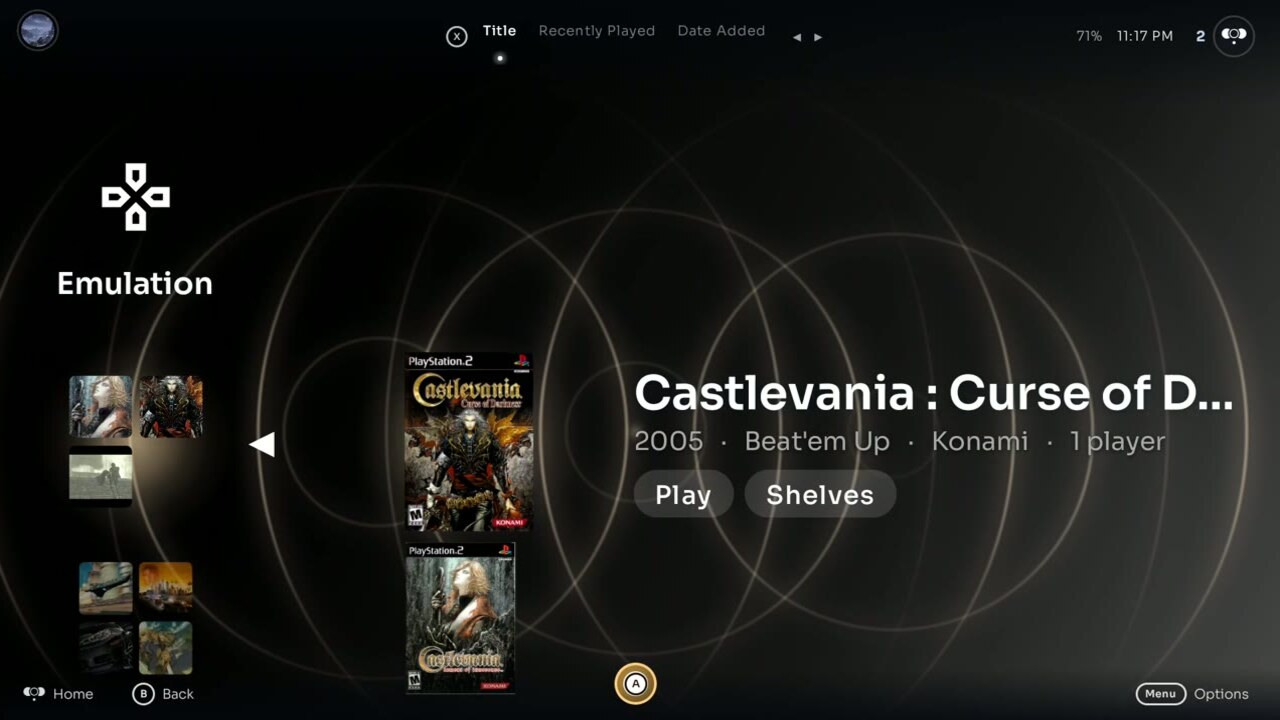
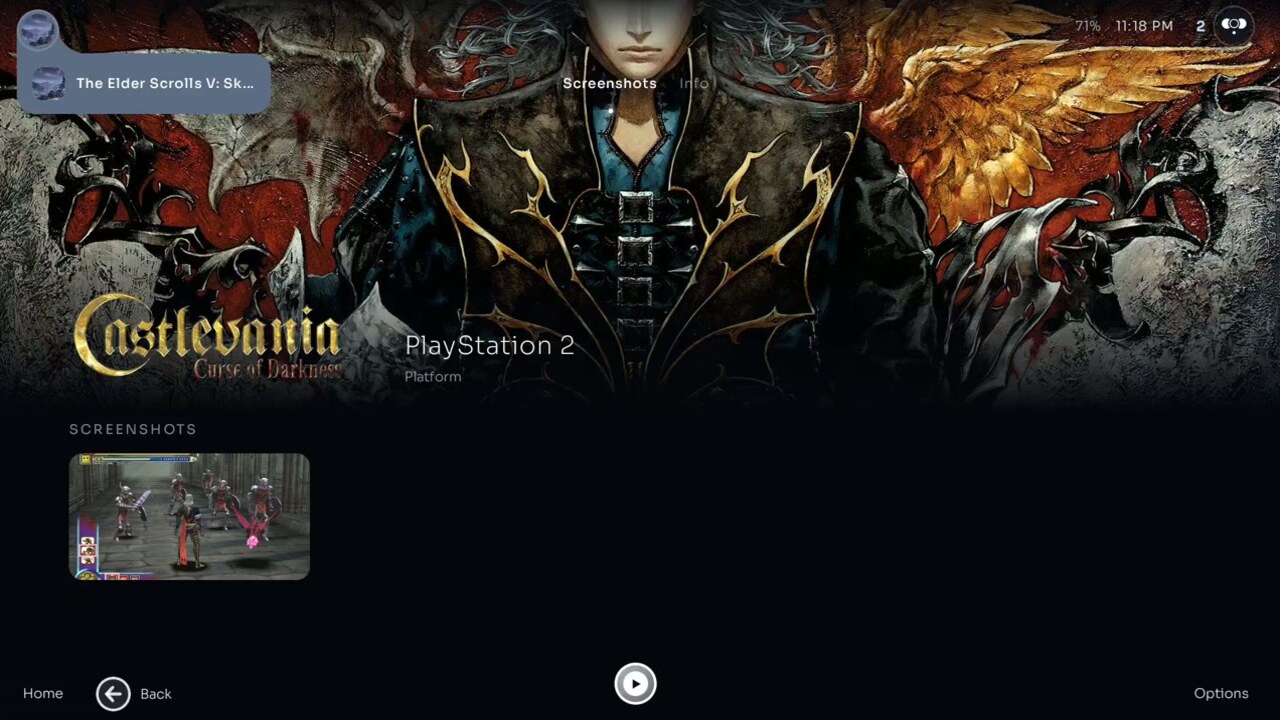
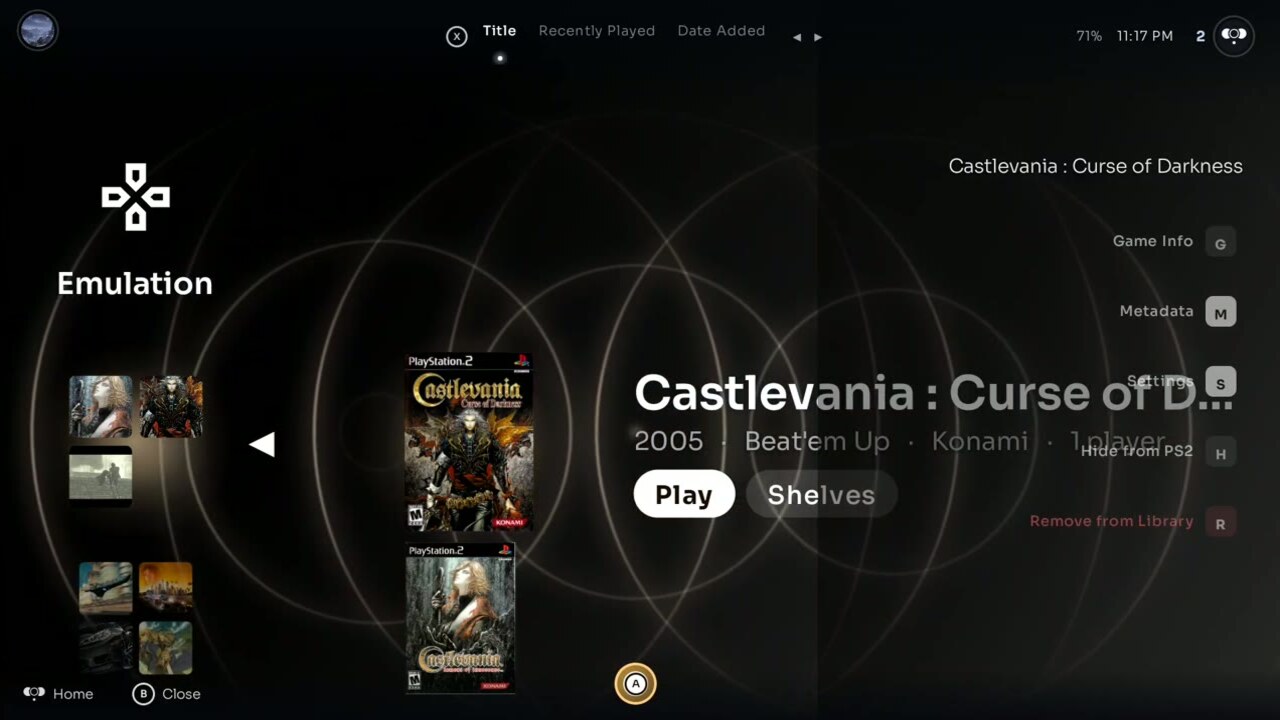
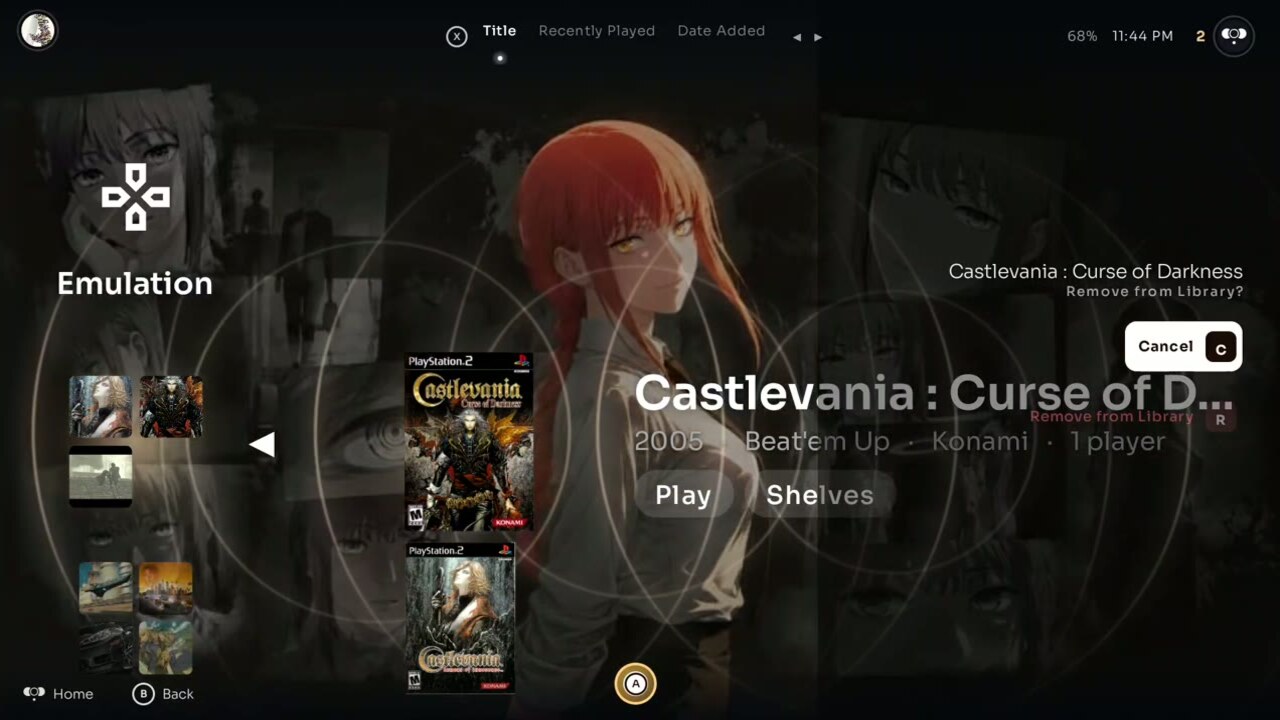
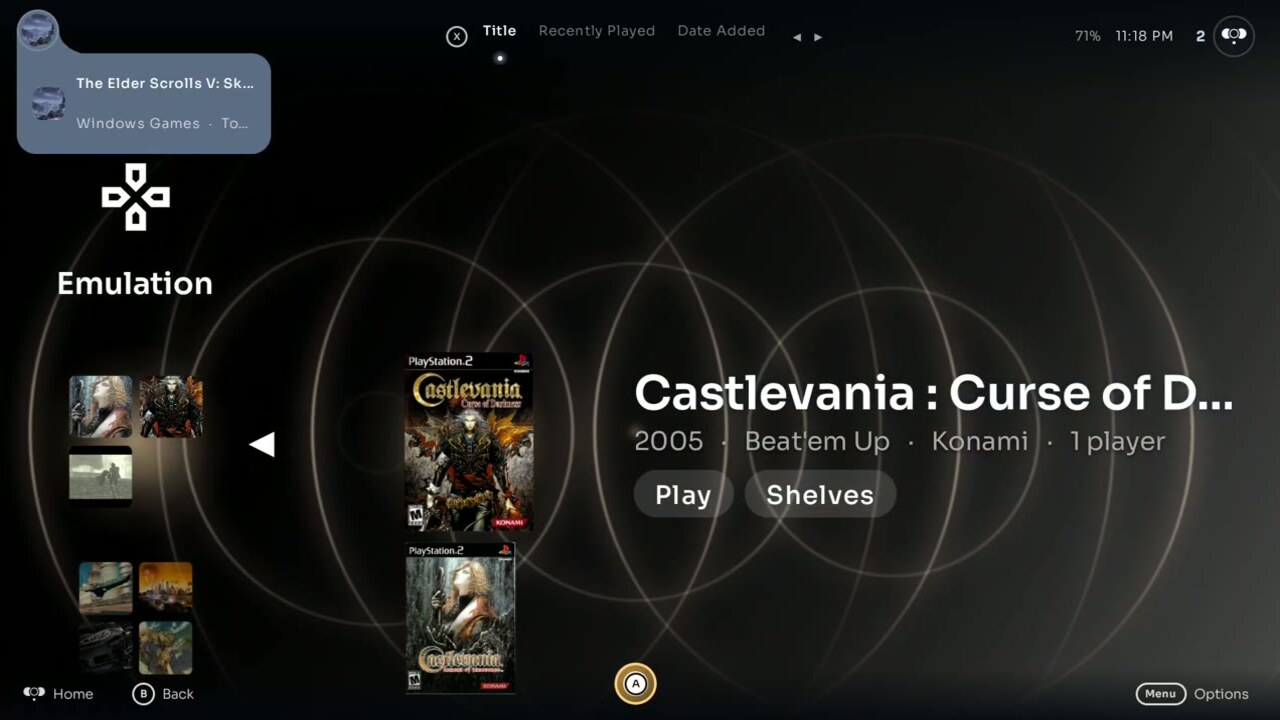
Point ECHO at your Games folder and it creates a Memory Card for every console that has games, with the emulators you already have. A focused game fills the background with its own art and shows its details beside the tile.
Hold
Games and apps launch when you hold A until the ring fills, so a stray press never launches anything. GameBoot then plays one of two launches: Disc, where the cover becomes a spinning disc, or Lens, where the ECHO ring opens over the game. Try it: hold the A orb, or the A key.


Artwork that looks like a shelf.
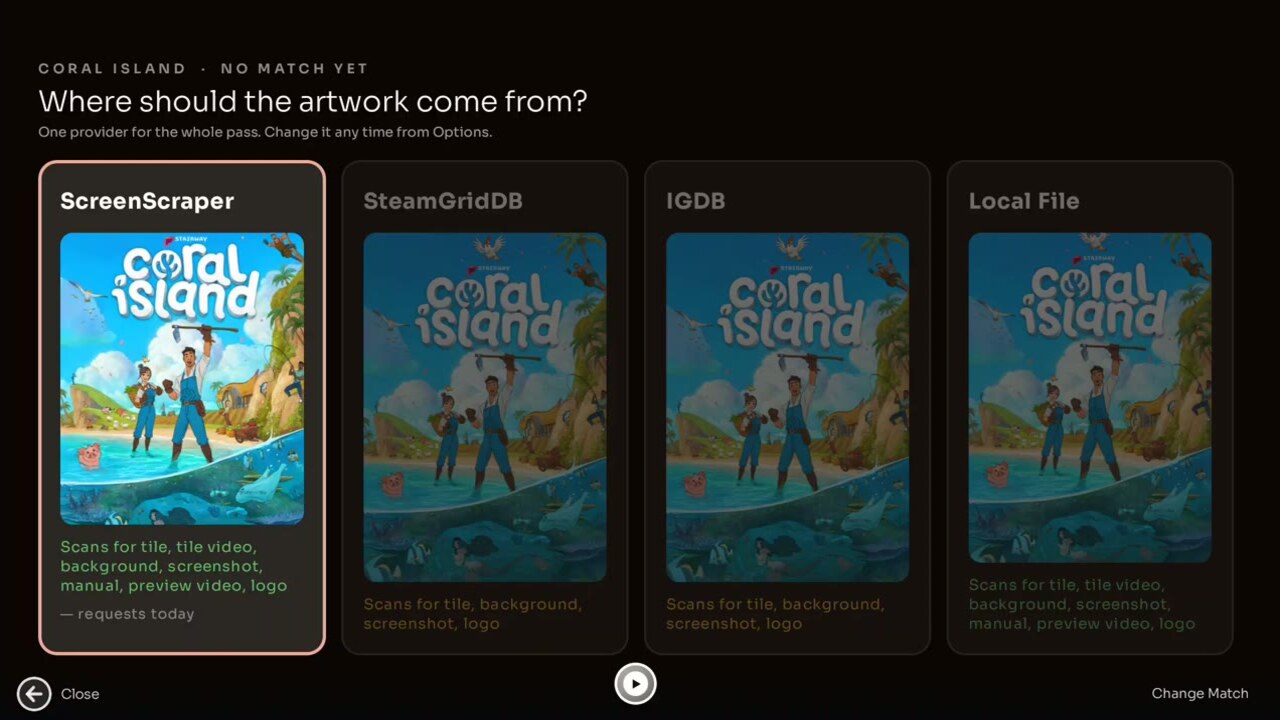
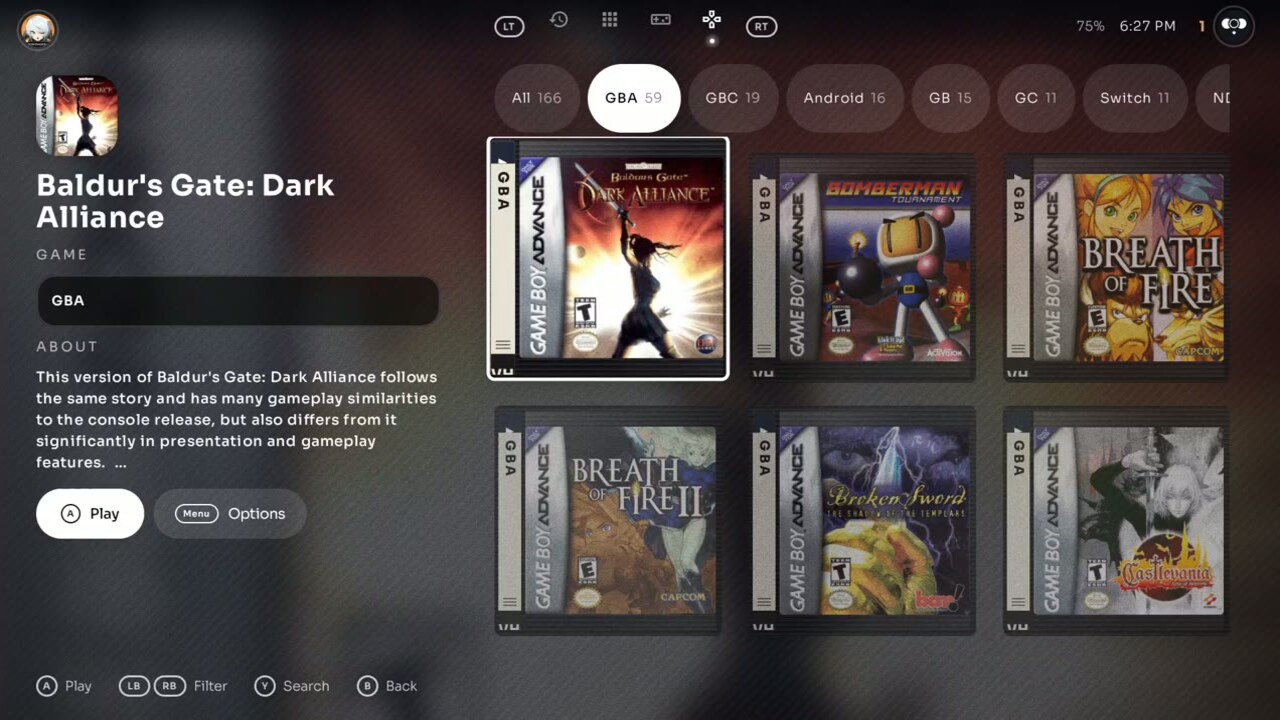
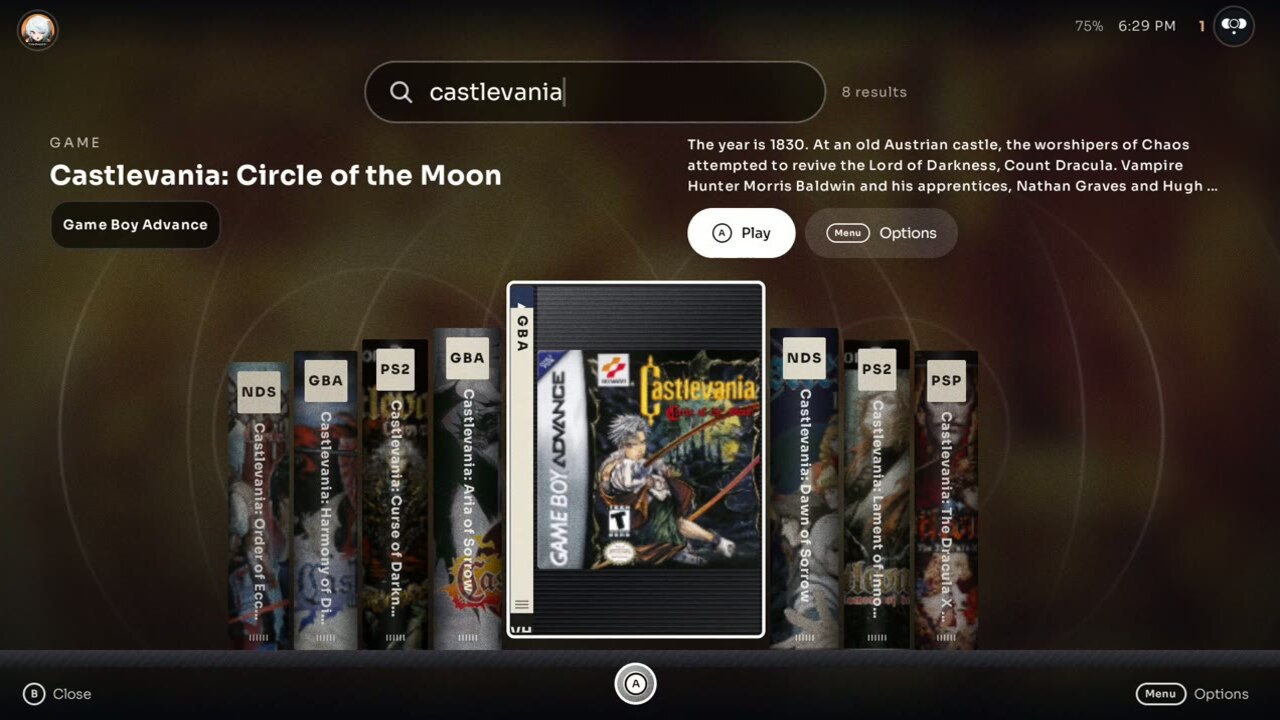
Box covers fetched from ScreenScraper, SteamGridDB, IGDB and Steam, shown as VHS cases. A game's cover keeps its own shape on the case's ribbed plastic, so square Game Boy boxes and tall Switch covers both show whole.
Built-in players for everything else.
Your games, hours and achievements.
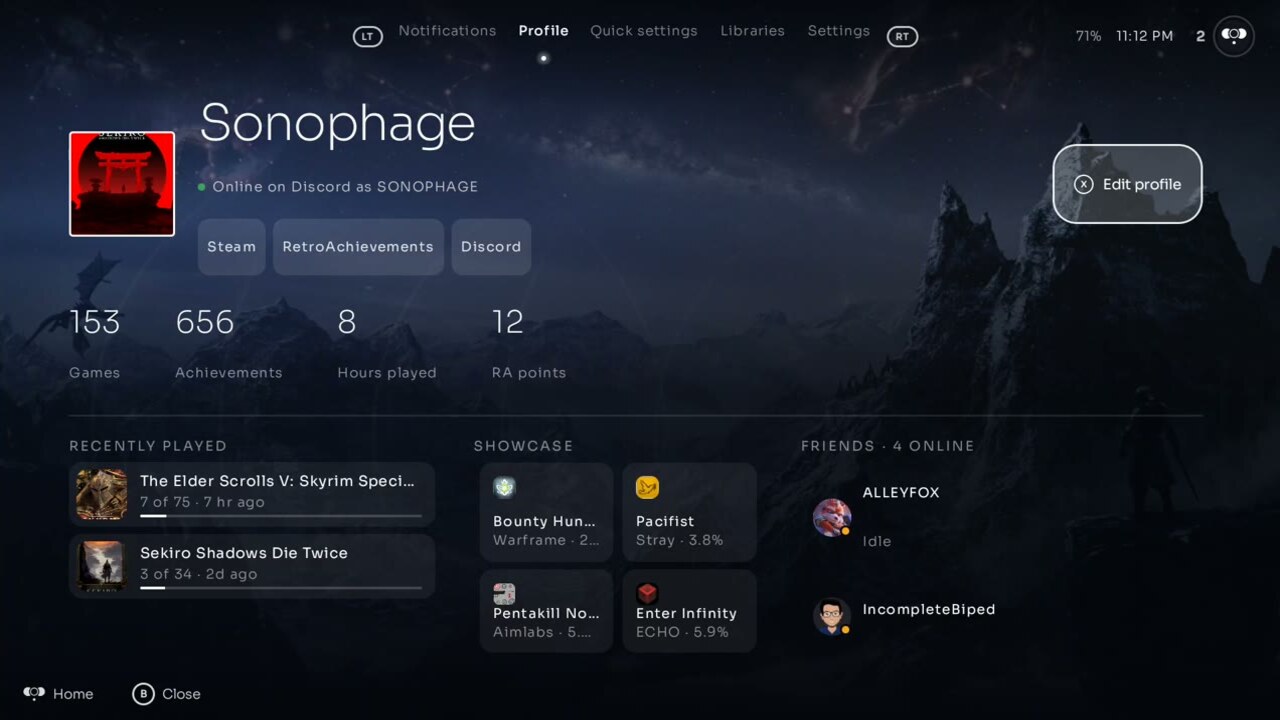
The Profile tab shows your name and picture, your games, hours and achievements, what you played last with its achievement progress, and your Steam, RetroAchievements and Discord accounts.
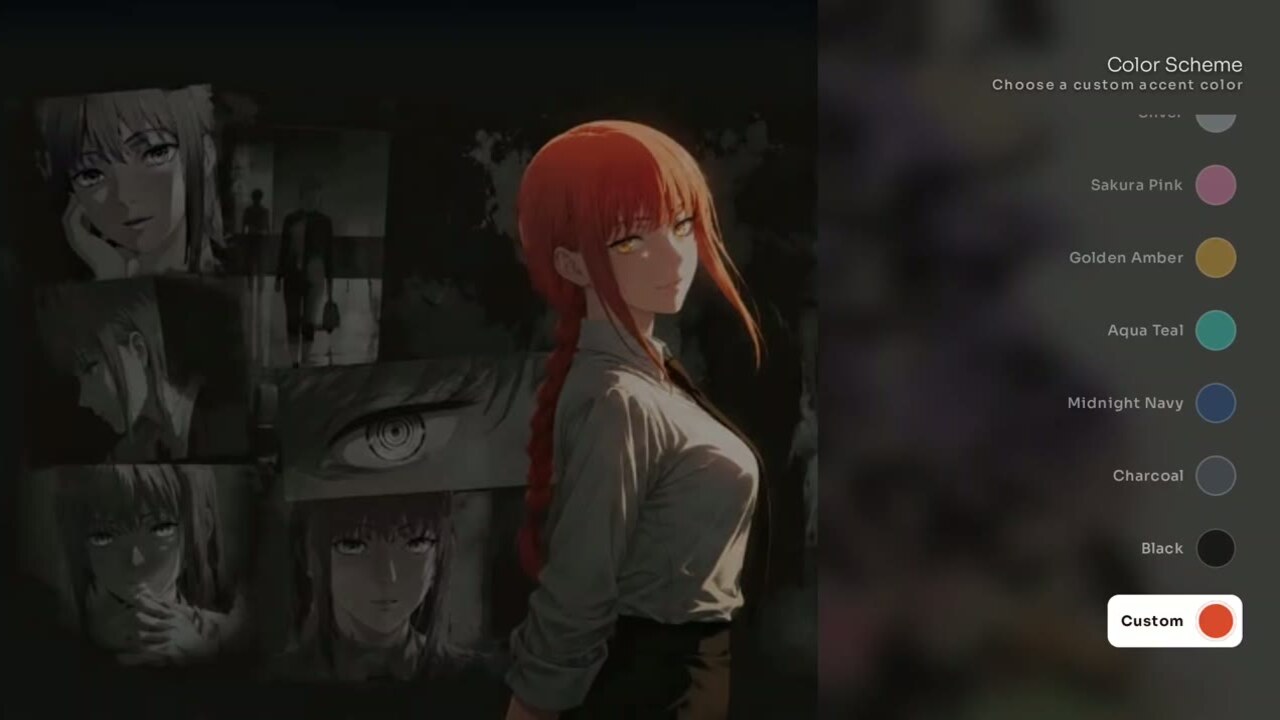
Almost everything is adjustable.
Controller glyphs, touch, layout, colours, icons, wallpaper, sounds and boot all have a setting, and most of it previews live on the crossbar.